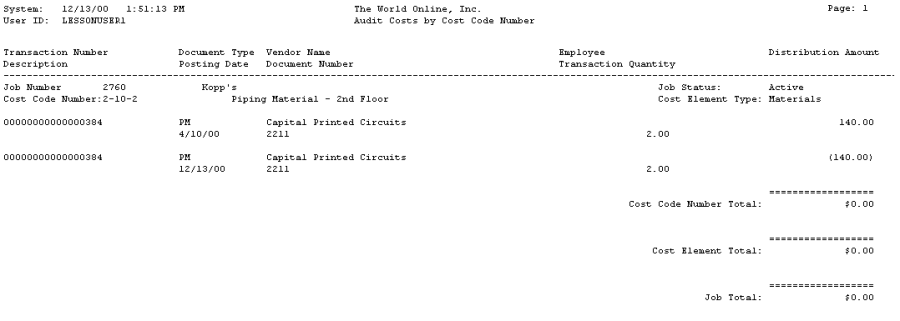
The Audit Costs report contains detailed transaction information for a job with subtotals by cost element and cost code. You can sort this report by job, cost code, cost element, or a date range.
-
Choose Reports > Job Cost > Job Reports > Audit Reports > Audit Costs.
-
Choose a Job Number Range radio button. If you choose Job Number, select a Job. If you choose Range, enter a Range.
-
Choose a Date Range radio button and enter the dates.
-
Choose a Range radio button and enter a cost element type or cost code.
-
You can mark the Exclude Inactive checkbox to exclude inactive cost codes from the report.
-
Choose Print.