
Most windows in Service Management have fields with attached lookup windows. The lookup window contents can be printed in report format. You can choose to print each report individually or print all reports at once. It can be helpful to have a copy of the lookup window entries for your records or to note any duplications in the lists.
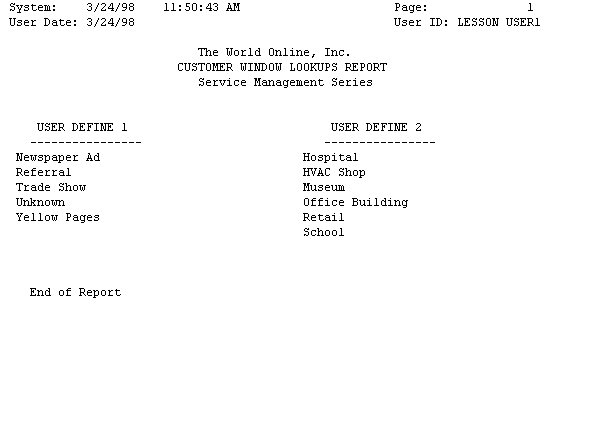
Customer Window Lookups Report
The Customer Window Lookups report lists the lookup window items in the User-Defined 1 and User-Defined 2 lookup windows.
Choose Reports > Service Management > General > Lookups > Customer.
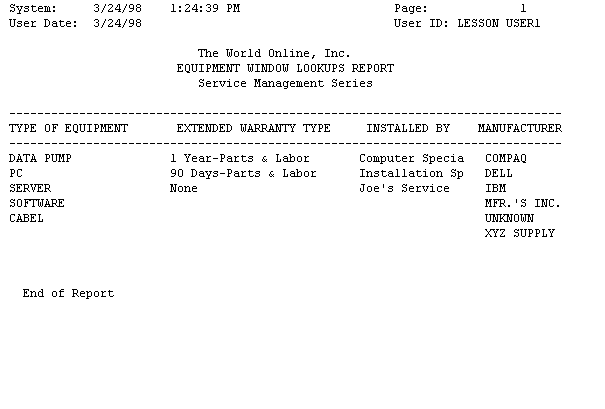
Equipment window lookups report
The Equipment Window Lookups report lists the contents of the Type of Equipment, Extended Warranty Type, Installed By, and Manufacturer lookup windows.
Choose Reports > Service Management > General > Lookups > Equipment.
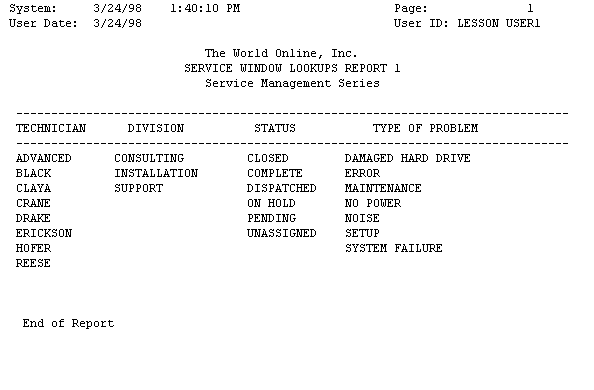
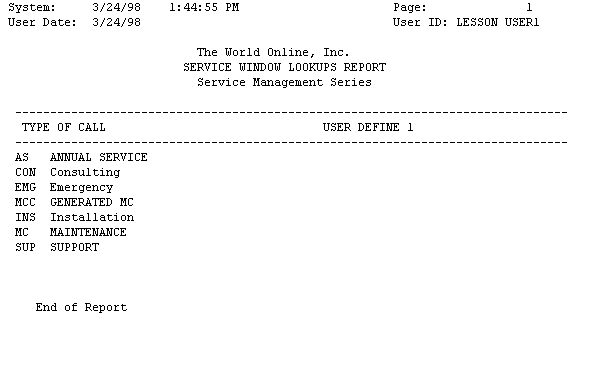
Service call window lookups report
There are two Service Call Window Lookups reports. The first report lists the contents of the Technician, Division, Status, and Type of Problem lookup windows. When this window is closed, the second Service Call Window Lookups report opens, listing the contents of the Type of Call and User-Defined 1 lookup windows. Choose Reports > Service Management > General > Lookups > Service Call.
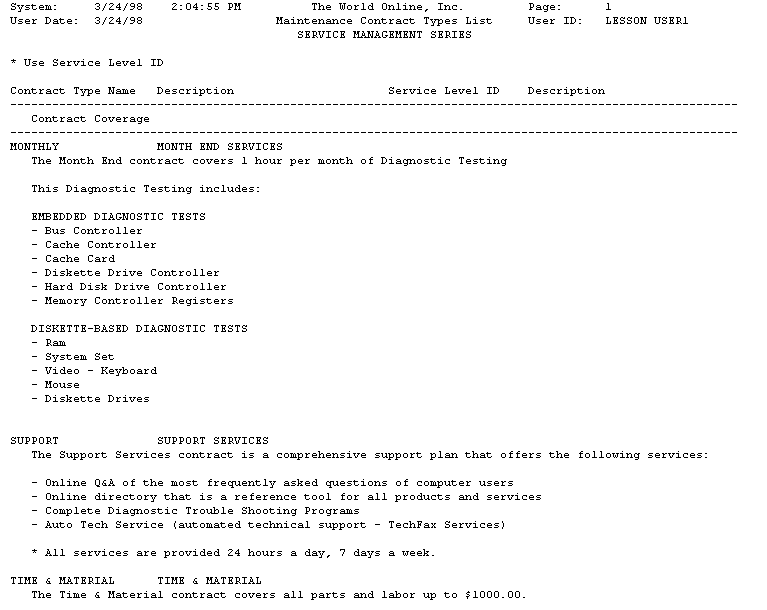
Maintenance contract types list
Choose Reports > Service Management > General > Lookups > Contract Types.
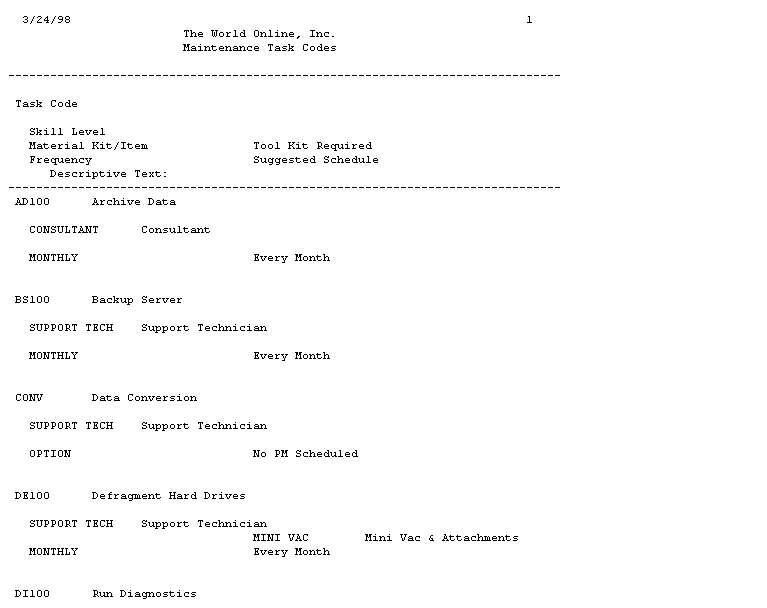
Maintenance task codes report
Choose Reports > Service Management > General > Lookups >Task Codes.
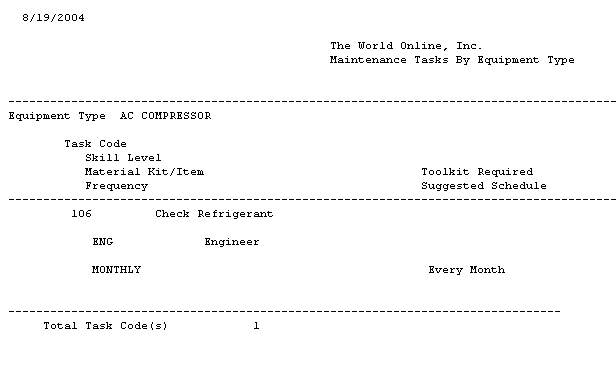
Maintenance tasks by equipment type report
Choose Reports > Service Management > General > Lookups > Task Codes by Equipment.
All lookup reports
All lookup reports print at once. When one report window is closed, the next report opens. Choose Reports > Service Management > General > Lookups > All.
Each report can be printed to a printer by choosing the Print button in the screen output window.