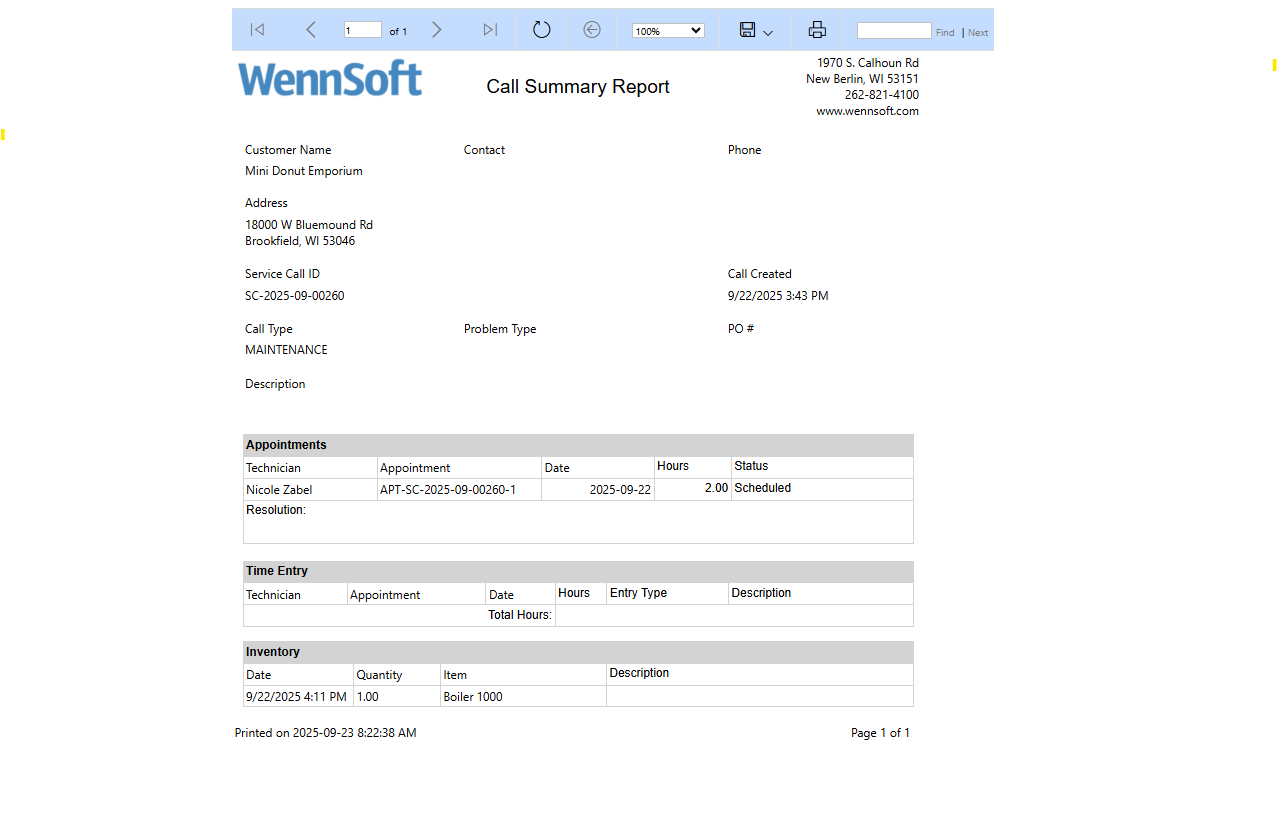
Generate this report after completing a service appointment. It shows the service call, appointments, labor, inventory, and resolution notes for each appointment.
To run the service call summary report:
-
In the Service Operations sitemap, select Service Calls.
-
Select the service call.
-
In the Service Call record, select the ellipses button.
-
Select Run Report.
-
Select Service Call Summary.