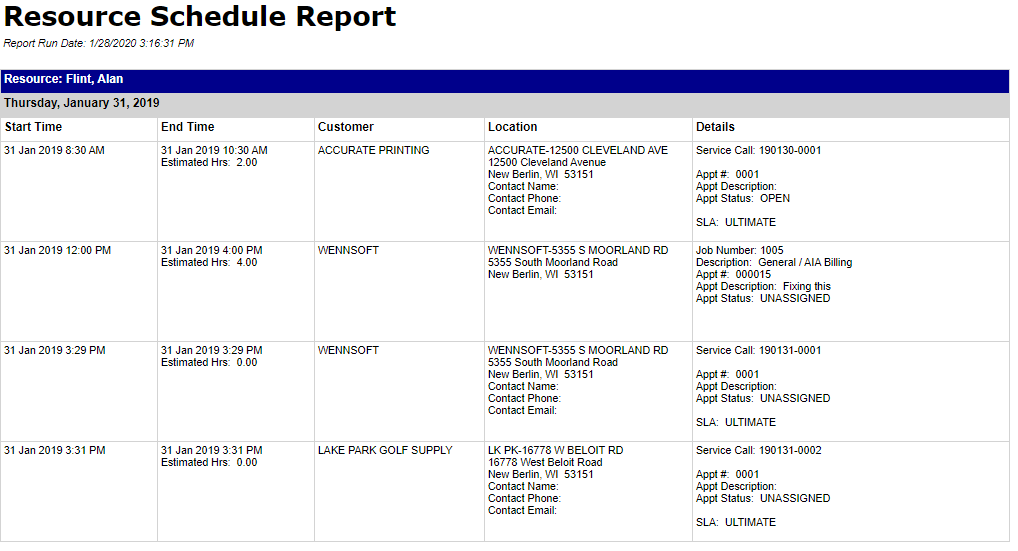
The Resource Schedule report can be printed for a specific resource or you can print this for multiple technicians. This report is printed from Schedule and you can also print this from the SSRS server.
From Schedule:
The Resource Schedule report can be printed for a specific resource or you can print this for multiple technicians.
-
Right-click on a resource name from the schedule board.
-
Select Print Resource Schedule and then select Schedule_Resource_Report_1.
-
A new tab is opened in your browser displaying the resource's schedule for the day.
-
If you want to see a range of dates, you can edit the Start/End Dates at the top of the report.
-
You can also select more than one technician from the Technician drop-down.
-
Select View Report.