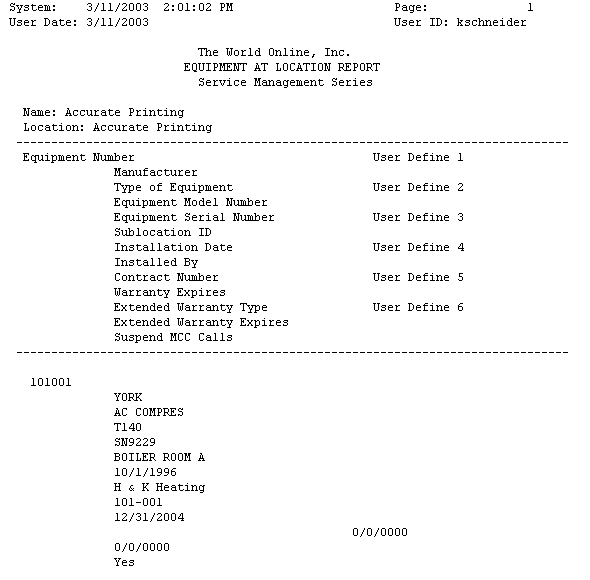
The Equipment at Location report lists the equipment information at a customer location. The report compiles information from the equipment database.
-
Select Reports > Service Management > General > Equipment at Location.
-
Select a customer using the lookup button in any field. When searching by Customer ID, Customer Name, Location Name, or Address 1, you must make a partial entry in the field and then select the lookup button to begin the search. When searching by location phone, enter a phone number and then select the phone button to begin the search. If a match is found, the customer record will be retrieved.
-
You can limit the data in the lookup windows by selecting a branch name from the drop-down list at the top of the window.
-
Select Print.