|
Scenario |
Message |
|---|---|
|
If you have access to only one form or report, that form or report will open automatically when you open the resource. |
Not applicable. |
|
If you are using the ask-on-the-fly resource handling method, you may receive a message asking if you want to use the modified alternate version of the form or report. |
|
|
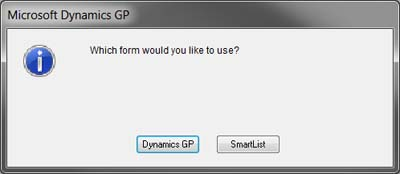
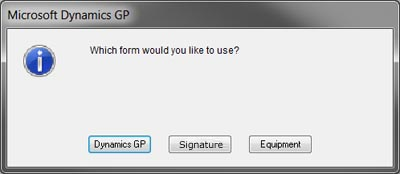
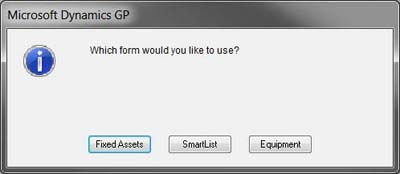
If you have access to more than one alternate or modified alternate form or report, you will be asked which one to use when you open the resource |
|
|
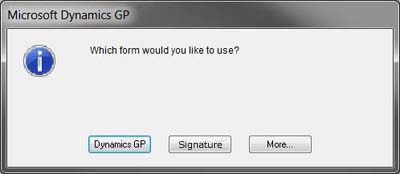
If you have access to more than three alternate or modified alternate form or report, a window will display the third button in the message window will be labeled More... When you select More..., the 3rd and subsequent options will be displayed in another message box. |
|