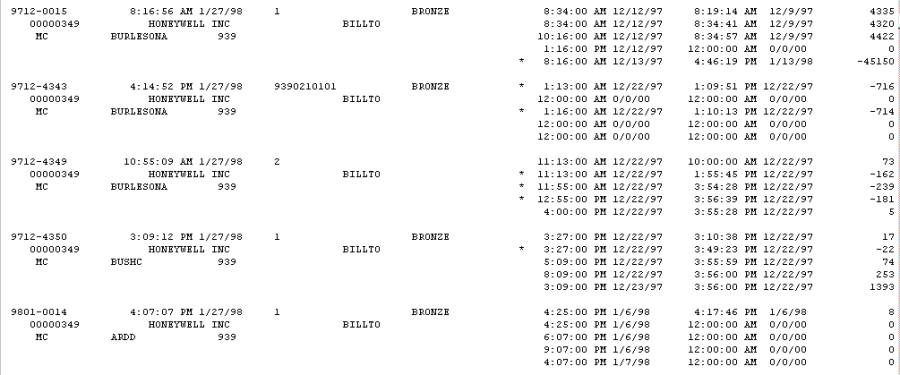
The Guaranteed Service Call report includes all service calls that have a value in one or more of the Guaranteed Time/Date fields in the Time Stamp window.
-
Select Reports > Service Management > Service > Guaranteed Calls.
-
Select to print either a Detail or Summary report.
-
Select the sorting method for the report from the drop-down list and select whether to include assigned equipment.
-
Use the drop-down list in the Ranges field to restrict the report.
-
The restrictions you select determine which fields are available. Use the Insert>> button to add the restrictions to the report.
-
Select Print.