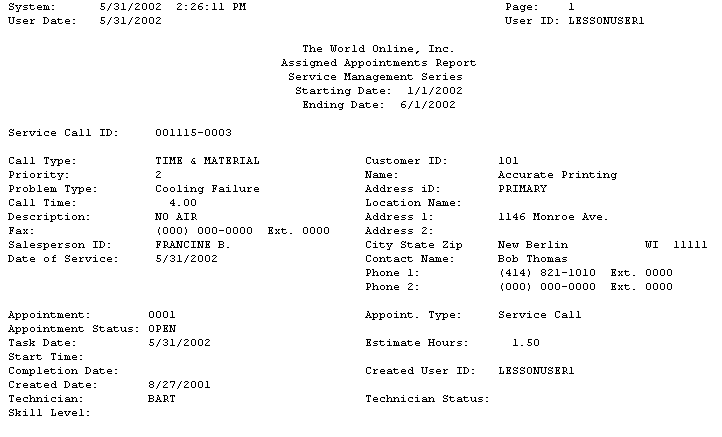
The Assigned Appointments report lists all appointments with a status other than Unassigned or Default. The total number of assigned appointments and their total hours listed at the end of the report.
-
Select Reports > Service Management > Service > Assigned Appointments.
-
Enter a Start Date and an End Date.
-
Select whether to include calls with an MCC call type.
-
Select Print.