
Description: You are receiving a “User doesn’t have permissions” error message when syncing the device.
Fix:
-
In MobileTech Admin, go to Tools > Launch Resco Cloud.
-
Open the Admin Console.
-
Under Resources in the left navigation, select Security Roles.
-
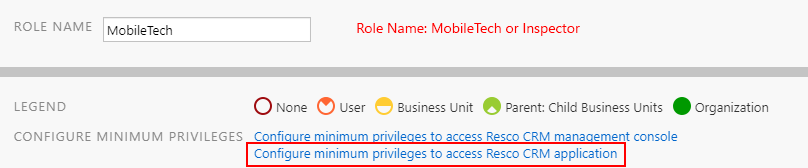
Select the role of the technician (either MobileTech or Inspector).
-
Click Configure minimum privileges to access Resco CRM application.
Screenshot
-
Click Save & Close.